
ActionsManager
Self-hosted control plane
Change a workflow once. Roll it out everywhere.
ActionsManager is a control plane for GitHub Actions across a whole repository fleet. Group repositories into projects, roll out changes as reviewable pull requests, and catch drift, all from one container you run yourself.
docker run · one container · SQLite by default
What it does
Built for fleets, not single repos
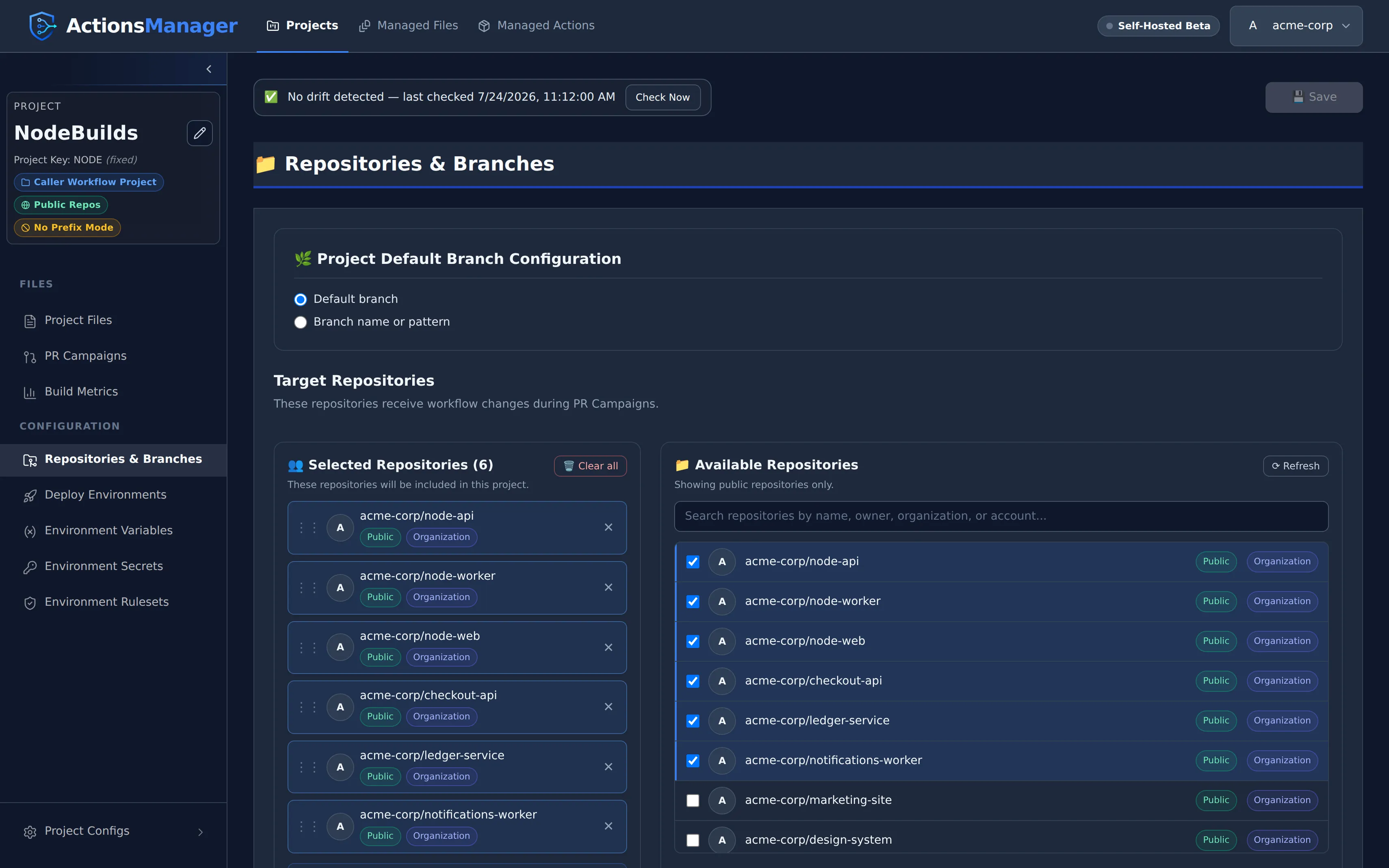
One project, many repos
Group repositories into Caller Workflow Projects and operate on all of them at once instead of repo by repo.
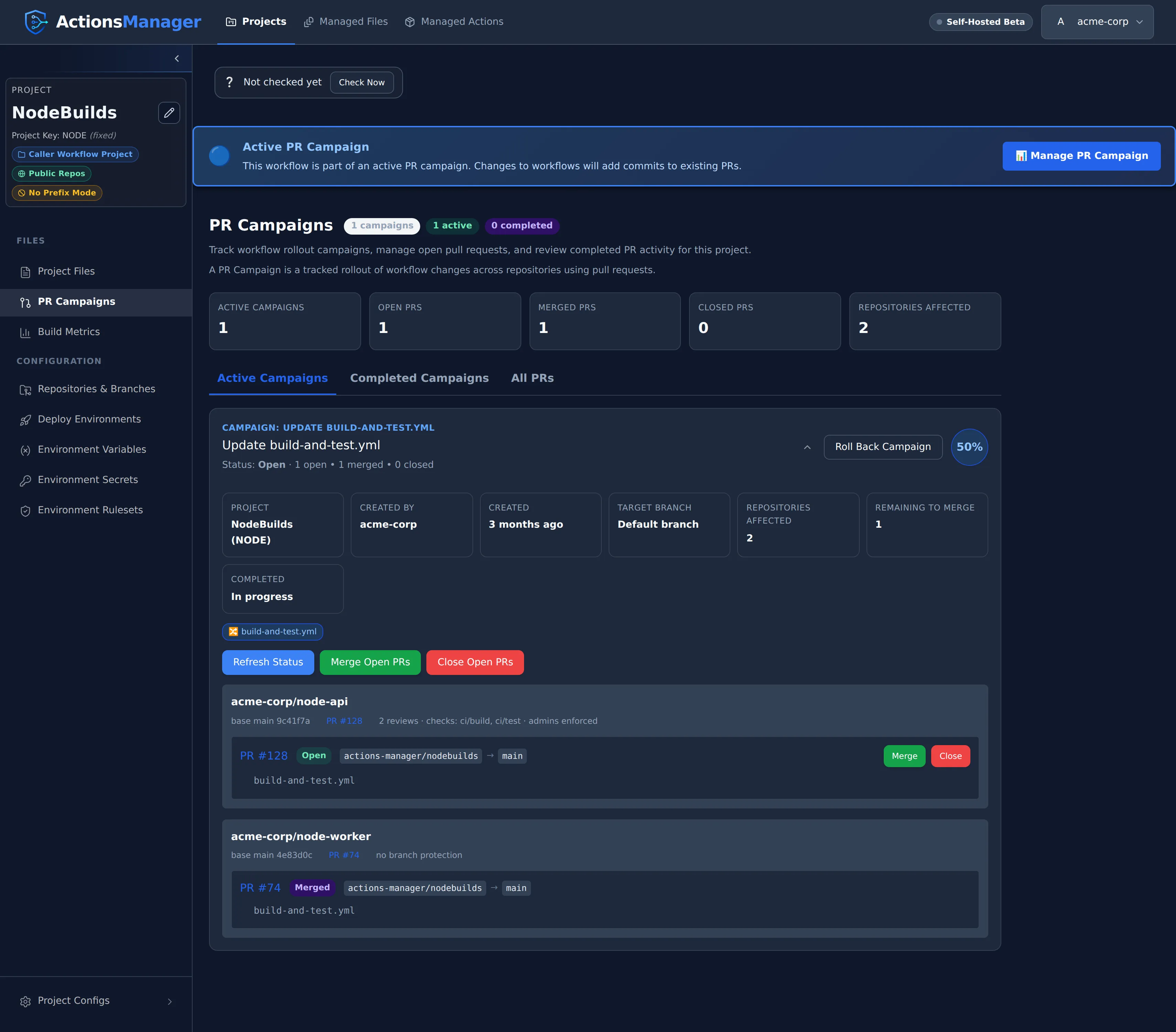
PR campaigns
One rollout opens a pull request in every repository in the project. Review them one by one, or bulk-merge from ActionsManager.
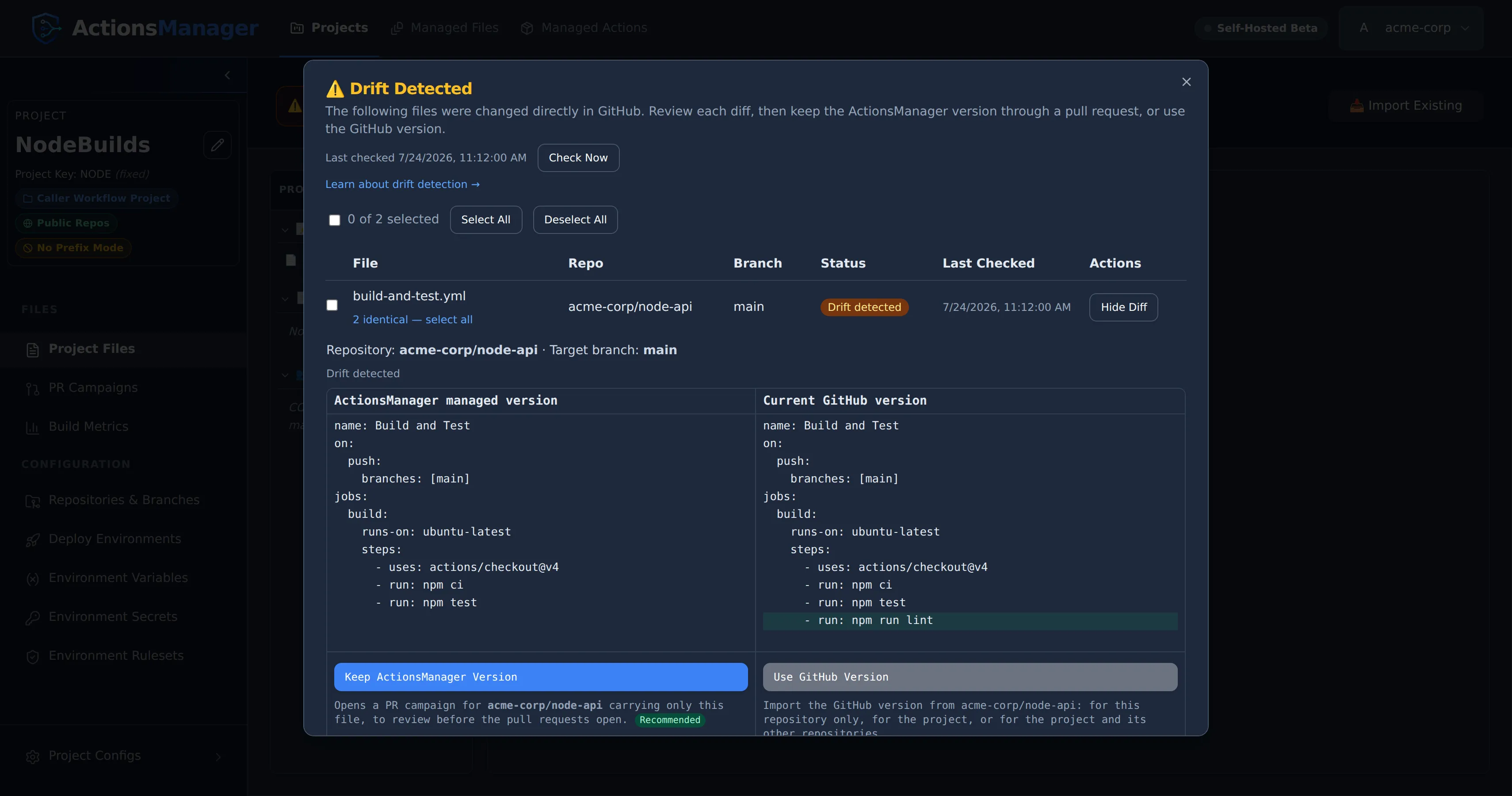
Drift detection
See exactly where a repository's workflow has diverged from the managed definition, and resolve it from the same screen.
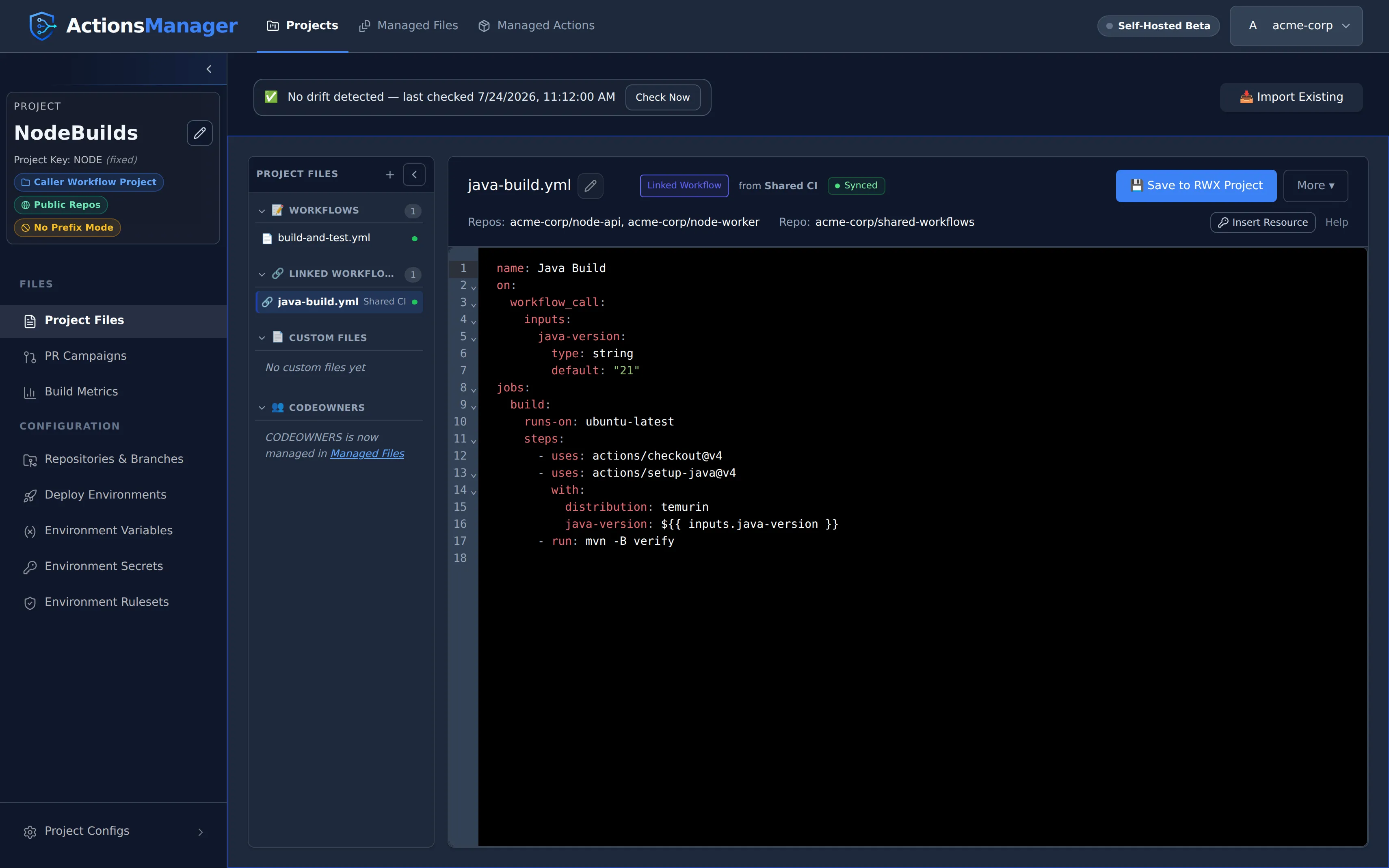
Reusable workflows
Manage both sides of reuse: the Reusable Workflow Project and the caller projects that link it, and edit it in one place.
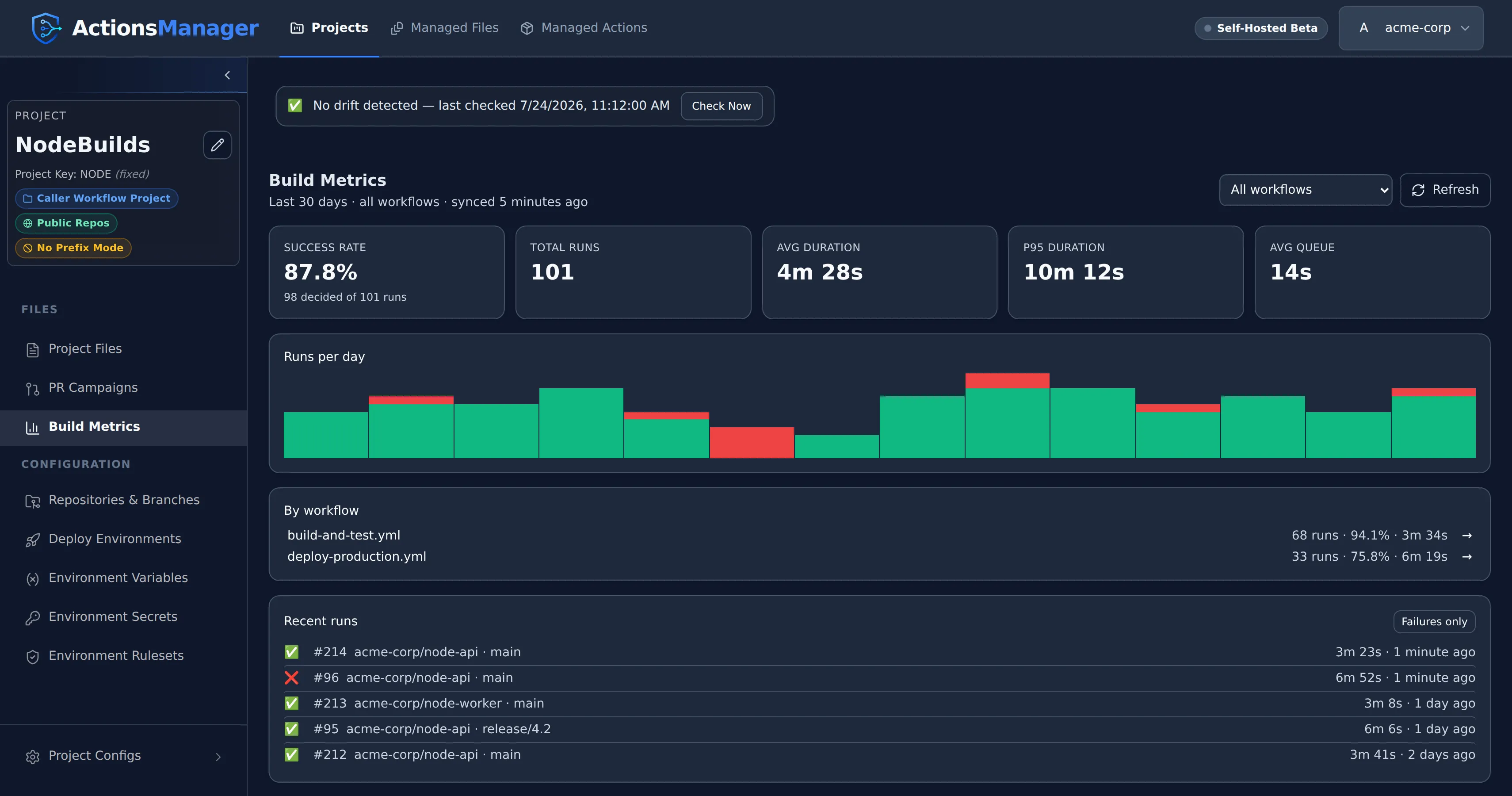
Build detection & metrics
Detect each repository's build type to start from the right workflow template, then track success rates and run times across the project.
Your tokens, your box
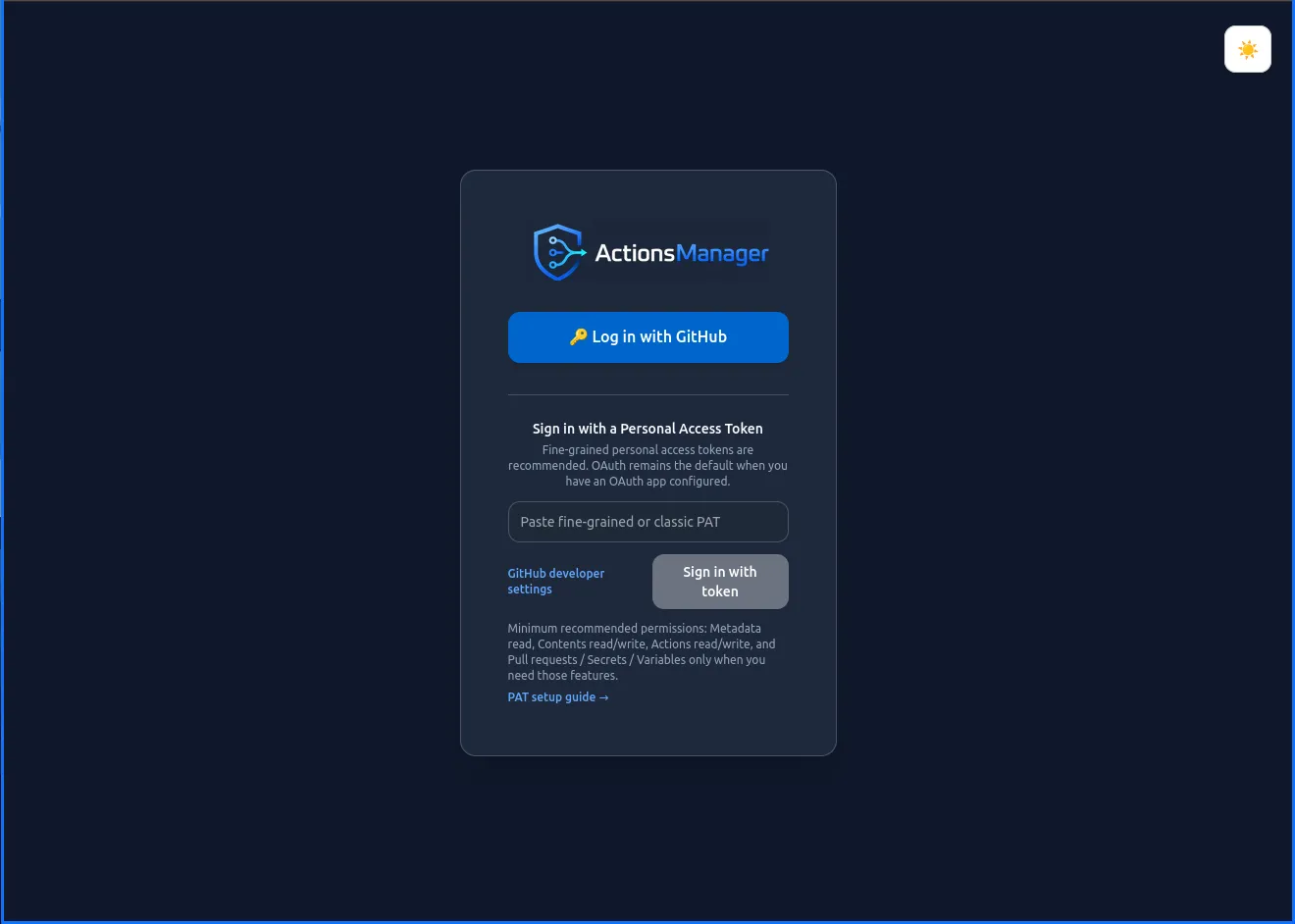
Log in with GitHub OAuth or a personal access token. PATs are stored encrypted in your own database, and there is no product telemetry.
Quick start
Running in one command
SQLite by default, PostgreSQL when you need it. Then open http://localhost:8080 and sign in with a personal access token or GitHub OAuth.
# Generate a stable SECRET_KEY once and reuse it on every start:# SECRET_KEY=$(openssl rand -hex 32)docker run -d \ --name actions-manager \ -p 8080:8080 \ -v actions-manager-data:/app/data \ -e INSTALLATION_MODE=self-hosted \ -e SECRET_KEY=<your_generated_key> \ -e ALLOW_INSECURE_HTTP=true \ ghcr.io/greywolflabs/actions-manager:latest# SECRET_KEY comes from .env - generate it once with: openssl rand -hex 32version: "3.8"services: actions-manager: image: ghcr.io/greywolflabs/actions-manager:latest ports: - "8080:8080" volumes: - actions-manager-data:/app/data environment: - SECRET_KEY=${SECRET_KEY} # Required while the app is served over plain HTTP; remove it once you # front ActionsManager with HTTPS - ALLOW_INSECURE_HTTP=true restart: unless-stopped
volumes: actions-manager-data:docker compose up -d# /etc/caddy/Caddyfileactionsmanager.example.com { reverse_proxy localhost:8080}docker run -d \ --name actions-manager \ -p 127.0.0.1:8080:8080 \ -v actions-manager-data:/app/data \ -e SECRET_KEY=<your_generated_key> \ -e APP_URL=https://actionsmanager.example.com \ ghcr.io/greywolflabs/actions-manager:latestDocumentation
Browse the docs
- Getting Started Installation, PAT and OAuth setup, HTTPS
- Guides Projects, workflows, PR campaigns, drift detection
- Operations Build detection, build metrics, notifications
- Security Security policy, privacy, token handling
- Troubleshooting Common errors, GitHub permissions, container startup
- Beta Notes Beta scope, limitations, feedback
© 2026 ActionsManager. All rights reserved.